 Selario
Home › Shopify and Amazon analytics
Shopify and Amazon analytics in one dashboard
Most brands that sell on Amazon also have a Shopify store, and many run Meta ads as well. Selario is one read-only login for Amazon, Shopify and TikTok Shop — products, profit, ads and trends — without a separate Shopify-only stack.
✓ Free to start, no credit card required. Free while in early access.
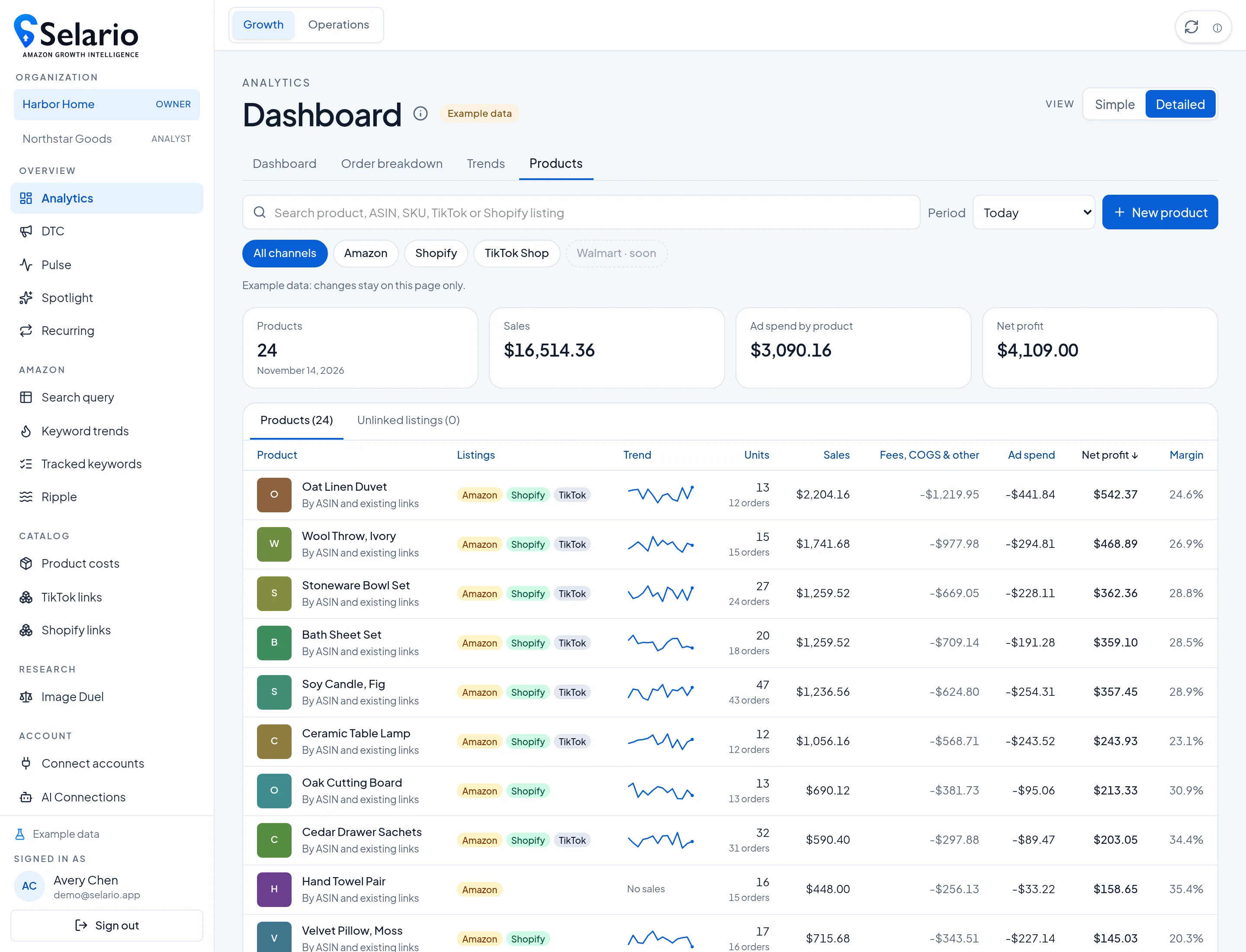
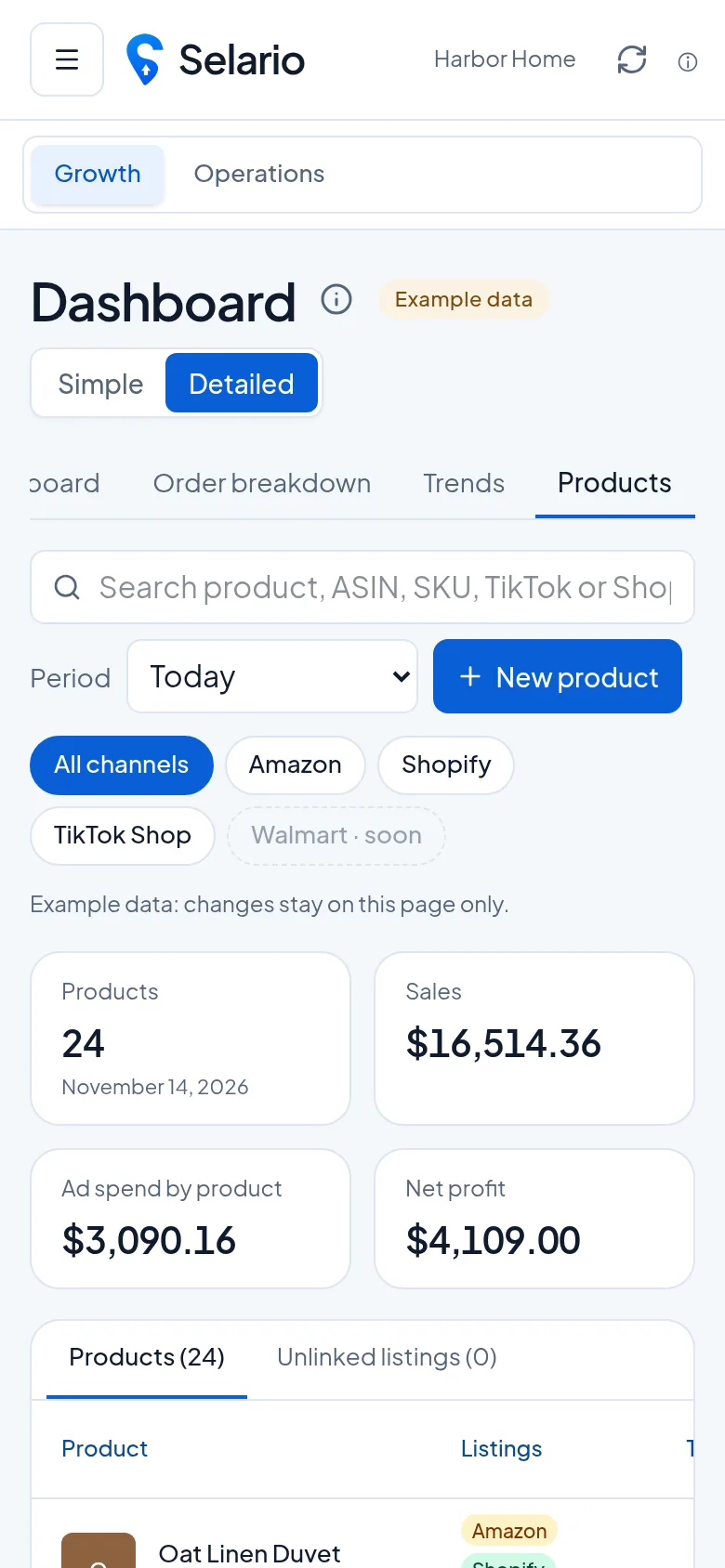
Screenshots show sample data for a fictional demo brand (Harbor Home), not a customer’s store.
What you get in one place
- Amazon analytics you may already know from Selario: sales, orders, organic vs PPC, inventory, Subscribe & Save, keyword trends and more.
- Shopify on the same products: sales, units and profit next to Amazon and TikTok Shop, once listings are linked. How the product view works.
- DTC for the store: period tiles for revenue, Meta spend, blended MER, refunds and net profit; an ads manager; and profit by ad.
- Meta next to Amazon: daily impressions vs Amazon sales, and spend vs ship-to sales by US state, clearly labelled as a comparison. More.
How to open it
Sign in and start on Analytics for Amazon and the Products tab, or open DTC for the Shopify store and Meta ads. Connect only the accounts you use; each connection is read-only. The screenshots on this page are labelled Example data or Sample data and use a made-up catalog, never a live customer store.
Who this is for
It is a fit if you already sell on Amazon and Shopify (and perhaps TikTok Shop) and want one analytics login rather than a research suite or a full multi-touch attribution platform. It is not a fit if your main need is product research, reimbursements, a repricer, or incrementality and media-mix modeling — those are jobs other tools are built for. See the free alternatives pages for honest comparisons.
How connections work
Connections are read-only. Selario does not change your listings, prices, inventory or ads. You connect Amazon Seller Central and Amazon Ads, Shopify, Meta ads, and TikTok Shop when you use them. On DTC you can confirm which Shopify store a Meta ad account should be linked to, so the tiles follow that store’s revenue and that account’s spend.
Pricing
Dashboards are free during early access, with no credit card required. Keyword rank tracking includes 1 free keyword, then $0.15 per keyword per month. Early-access pricing can change later; the live pricing is always on the sign-up and billing screens.
What “one login” actually covers
Selario is still one app. Amazon, Shopify and TikTok Shop are tabs and filters on the same Analytics and DTC screens, not a second product. You can look at Amazon.com only, Shopify only, or all linked channels for a product. Pulse, Spotlight, Recurring (Subscribe & Save), keyword trends and Ripple stay in the same navigation. The goal is to answer “how did this SKU do this week, on every storefront we sell it?” without exporting three CSVs.
Connections stay read-only. Selario does not change listings, prices, inventory or ads. Shopify is authorized with read-only scopes for orders, products, inventory, locations and payouts — not customer profiles. Meta is authorized with ads_read and business_management so Selario can list ad accounts and read insights. You can disconnect either side from Connections.
When a dedicated Shopify app is a better fit
If you only sell on Shopify and you want predictive LTV, cohort CAC or a Shopify-app P&L with shipping-variance tools, a Shopify-first product such as Lifetimely or BeProfit may be the better specialist. Selario is the stronger fit when Amazon and TikTok Shop are part of the same question, or when you want Meta impressions lined up with Amazon sales. Those jobs are documented honestly on the alternatives pages, including current public pricing where the vendors publish it.
Dates, views and what stays in your browser
Analytics period cards (Today, Yesterday, Month to date, Last month) and the Products tab use the same date controls as the rest of the app. You can switch Simple and Detailed views, hide or add card details with Customize, and compare a period with the previous one. On Trends, grouping by day, week or month and the Columns control apply to the comparison table; column layout is stored in this browser for your user, not overwritten for a teammate on another computer.
Cost of goods and other product costs are the figures you keep in Selario (including costs you enter yourself). The app does not invent a cost from a marketplace average. If a finance line has not arrived yet on a live Amazon account, the product view says so rather than treating a pre-fee number as a settled payout.
Related: DTC ads manager · Shopify profit by ad · Free Lifetimely alternative · Free Triple Whale alternative.
Frequently asked questions
Does Selario include Shopify analytics?
Yes. Shopify sales can appear on the Products tab next to Amazon and TikTok Shop, and the DTC page shows store tiles, Meta ads and profit by ad.
Do I need Amazon to use the Shopify views?
The DTC page is built around Shopify and Meta. The Products tab is most useful when the same items are also sold on Amazon or TikTok Shop.
Is this a Triple Whale or Northbeam replacement?
Only for some jobs. Selario does not offer multi-touch attribution, incrementality tests or media-mix modeling. It is store and product analytics, including Amazon next to Shopify, free during early access.
Is Selario free?
Dashboards are free during early access, with no credit card required.