 Selario
Home › Amazon SQP report guide
Amazon Search Query Performance (SQP) report guide
SQP shows how shoppers move from search to purchase for your brand, and your share of each step.
✓ Free to start, no credit card required. Free while in early access.
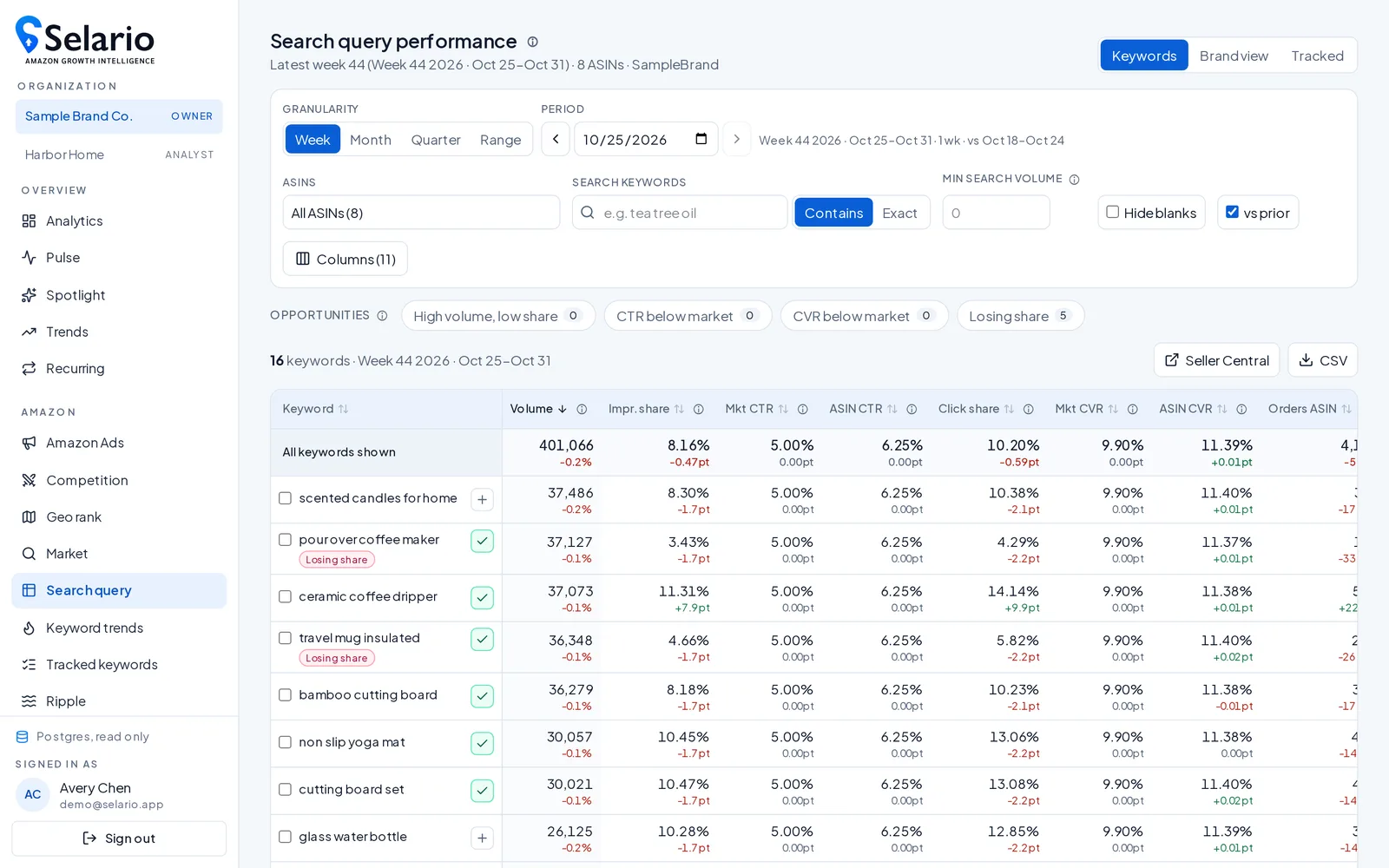
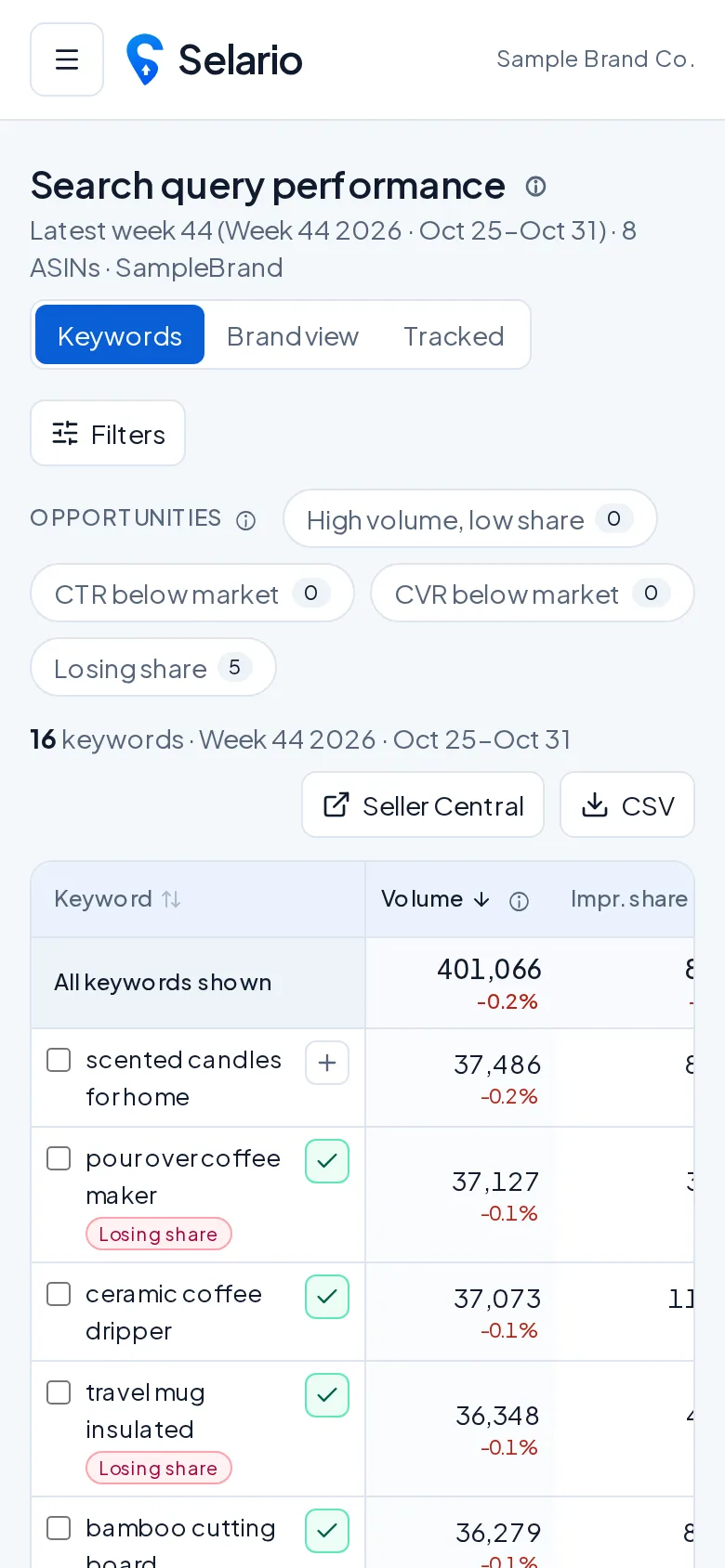
What is the SQP report?
Search Query Performance is part of Amazon Brand Analytics, available to brand-registered sellers. For each search query it shows the funnel — impressions, clicks, cart adds and purchases — with the total for all products and your brand’s share.
How to read it
- High impression share, low click share: your main image, price or reviews aren’t winning the click.
- Good click share, low purchase share: look at the detail page, price or delivery promise.
- Rising branded query volume: demand from outside Amazon — for example TikTok — is arriving.
SQP in Selario
Selario loads SQP for your brand and shows funnels and trends next to daily keyword ranks. Ripple uses branded SQP clicks as an early TikTok halo signal.
Frequently asked questions
Who can access the SQP report?
Brand owners enrolled in Amazon Brand Registry with Brand Analytics access.
Is SQP data in Selario free?
Dashboards are free while in early access — Free to start, no credit card required.